Introduction
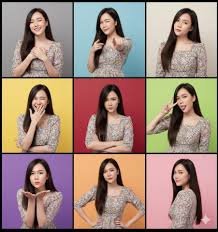
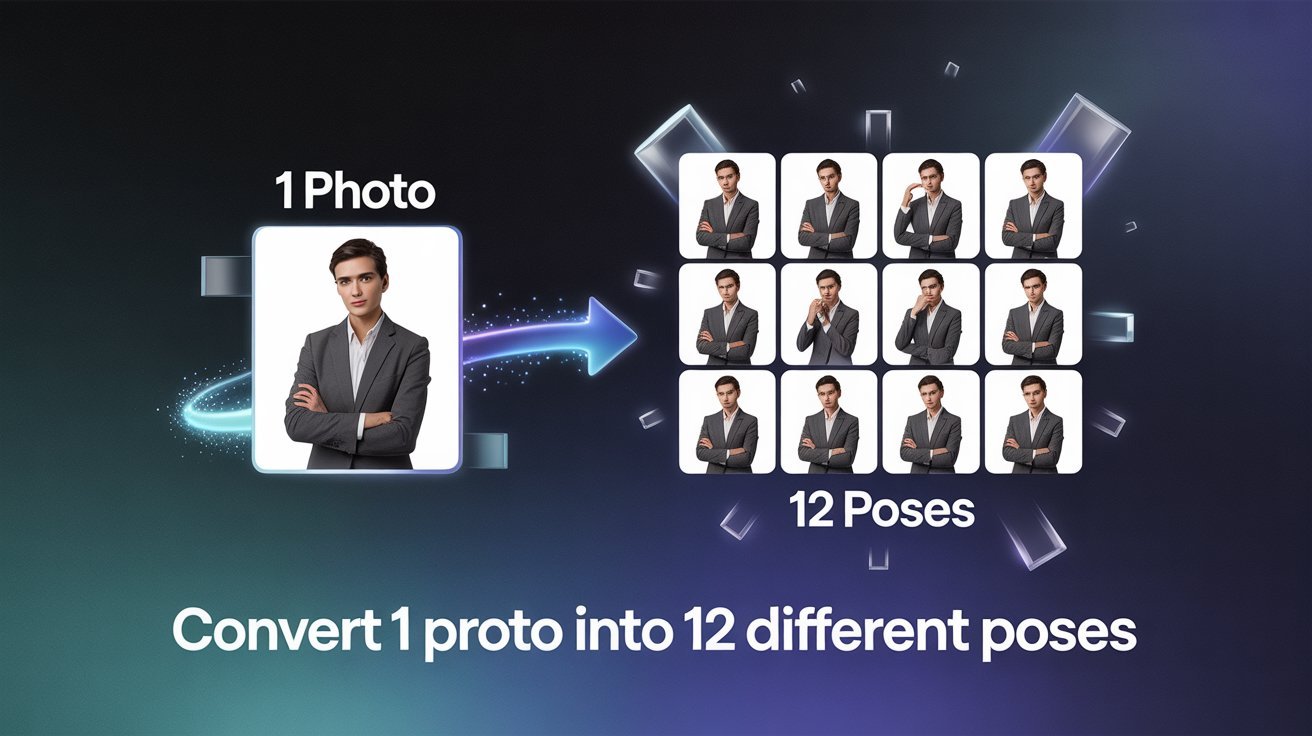
With the help of this very simple technique, you can convert a single image you have captured into 12 different processes. This technique is so simple and easy that even a 12-year-old child can use it and convert a single object image into 12 different forces.
How to convert 1 photo into 12 different poses
To convert any single image you have taken into a different layer, first save your image, then open Chrome or whatever device you are using and go to your browser. After coming inside the browser, you have to simply open Google. After opening it, you have to search for Gemini.ai. After opening the website, you have to simply upload your captured image here. After uploading, you have to paste a prompt below.
With its help, this Gemini.AI can convert a captured image into 12 different poses. This prompt will come up. You will find it below. You have to copy it first in Chrome and paste it there. The tool will provide you with 12 different types of prompts to create 12 different images from your single image. To generate the image, one by one, copy a single prompt and paste it into the chat.
After that, in a few minutes, this tool will convert your single captured image into a different pose. In case you don’t like the poses or want to change the poses as you need. Then you just have to enter some of the requirements of your photo in the prompt, or you can also use another prompt to generate another image, and then just give the task to Gemini.ai, and the magic will appear. Your same given picture will be converted into a different pose as per your demand.
Prompt
Give me 12 different, detailed prompts, varying the camera angles and shot type.
Conclusion
This whole process is very simple and very easy. Through this process, you can generate any of your images into different images. Remember that this is a free cost, it will not cost you a single rupee and by it you can generate as many images as you want with the help of simple and free.